¿Prefieres leer en español? Lee la versión en español.
By Ms. Rossiter · Last reviewed: November 28, 2026
Featured image is an illustration generated with AI.
✅ Quick answer: if you mostly work with PDF plans, Office, and email, 16 GB of RAM is usually enough. If you use AutoCAD, Revit, or large BIM models, plan on 32 GB or more, and a dedicated graphics card if you work in 3D. Before you buy, always check the official requirements page for the software you use.
Between drawings, emails, estimates and meetings, your laptop becomes one of your most important work tools. With so many options, how do you choose one without spending more than you need?
Here’s a practical guide to what to look for before buying, with laptop examples for different kinds of construction work.
Affiliate disclosure: Some links are affiliate links. If you buy through them, I may earn a commission at no extra cost to you. As an Amazon Associate, I earn from qualifying purchases.
How to read this guide: the requirements in the table are the ones each software maker publishes. The profile configurations are practical guidance from NextPermit, not official requirements.
1. Start With Your Workload
Before looking at specs, ask yourself three questions: Which programs do I open every day? How many do I keep open at once? Do I work with heavy files, like 3D models or plan sets with many sheets?
Not everyone needs the same laptop. If your day revolves around PDF plans and emails, you probably don’t need the same machine as someone designing buildings in Revit.
2. What the Software Makers Say
This table summarizes the requirements published at the time of the last review. They change with every version, so always confirm on the official links at the end of the article.
| Software | What the maker publishes |
|---|---|
| Revit 2027 | 64-bit Windows 11. RAM in tiers by model size: 16 GB (models around 300 MB), 32 GB or more (around 600 MB), and 64 GB or more (close to 1 GB). Video memory of 4, 6, or 8 GB depending on the tier. About 30 GB to install and 100 GB free for temporary files. |
| AutoCAD 2027 | 64-bit Windows 11 and Windows 10. Basic: 8 GB of RAM and a 2 GB GPU. Recommended: 32 GB of RAM and an 8 GB GPU. For large datasets, point clouds, and 3D modeling: 32 GB of RAM or more and 12 GB of VRAM or more. SSD suggested. |
| Bluebeam Revu 21 | Windows 11 or 10 (64-bit), macOS not listed. 8 GB of RAM minimum. |
| Microsoft 365 | 4 GB of RAM and Windows 11 for current versions. |
| Windows 11 | 4 GB of RAM and 64 GB of storage as a minimum. |
Meeting the minimum requirements is just a starting point. Think about how you actually work, with several files open, meetings and apps running at the same time.
Processors: What the Makers Ask For
You don’t need to memorize every processor name. What matters is how well the laptop handles your software. For AutoCAD 2027, Autodesk lists 2.5–2.9 GHz and 8 logical cores as basic requirements, and recommends at least 3 GHz base and 4 GHz turbo. For Revit 2027, it lists an Intel or AMD processor of at least 2 GHz and recommends higher single-core speed. For large drawing sets, Bluebeam recommends a dual-core Intel i5 or better and at least 8 GB of RAM.
For everyday work, a current mainstream Intel Core, Core Ultra or AMD Ryzen is a reasonable starting point. If you use AutoCAD or Revit, pay closer attention to processor speed. Buy for the work you do, not just the most impressive name on the box.
Graphics: Integrated vs. Dedicated, and Why VRAM Matters
If you review plans, prepare estimates or join video calls, integrated graphics are usually enough: they share your laptop’s memory. A dedicated graphics card has its own video memory (VRAM), which helps handle 3D models and more complex scenes. The larger your projects, the more that memory can matter.
The needs are different for each program. This is what Autodesk publishes:
| Use | Graphics and video memory published by Autodesk |
|---|---|
| AutoCAD 2027, basic | 2 GB GPU, DirectX 11 compliant. |
| AutoCAD 2027, recommended | 8 GB GPU, DirectX 12 compliant. |
| AutoCAD 2027, large datasets, point clouds, and 3D modeling | 12 GB of VRAM or more, with 32 GB of RAM or more. |
| Revit 2027 | 4 GB of VRAM (entry), 6 GB (balanced), or 8 GB (large, complex models), depending on the tier. |
As a practical guide, integrated graphics may be enough for simple 2D drawings. If you work with 3D AutoCAD models or large Revit projects, a dedicated graphics card is worth considering. Check the official requirements for your software and files.
3. Practical Configurations by Profile
NextPermit guidance, not official requirements.
Profile A: Plans, PDFs, Office, and Cloud AI
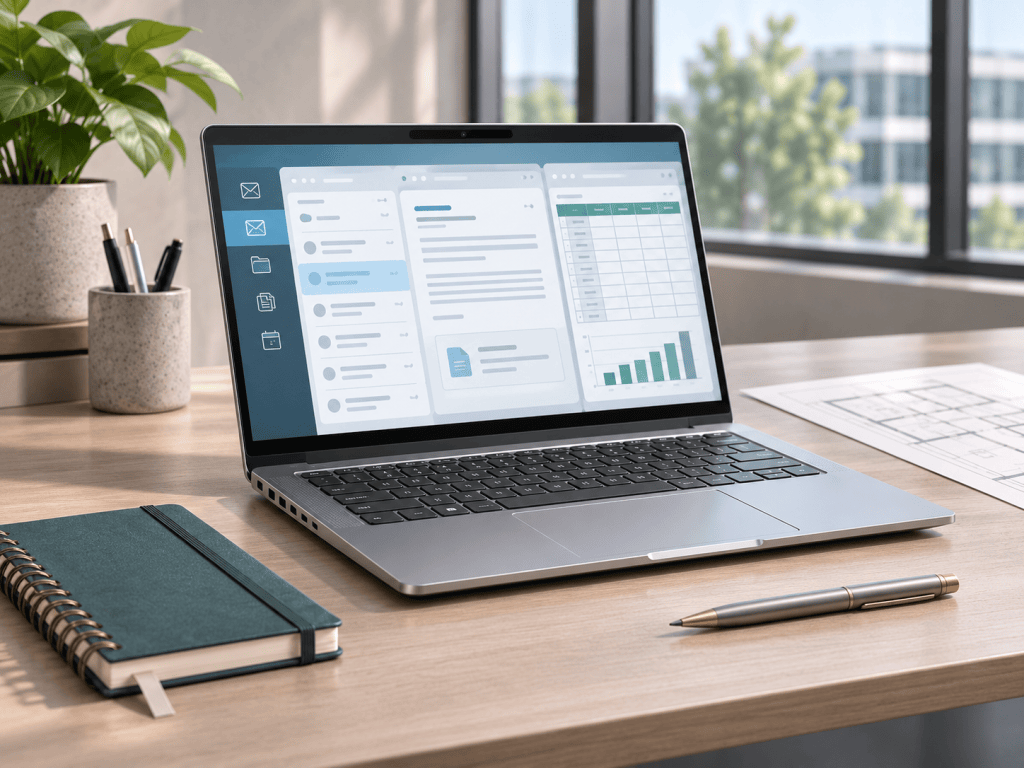
Does your day involve reviewing plans, preparing estimates, organizing permits and answering emails? If you use Bluebeam, Acrobat, Office or browser-based assistants like ChatGPT and Claude, this profile is a good starting point.
- RAM: 16 GB works well. If you only read plans and do not run local AI, you do not need more.
- Storage: 512 GB SSD.
- Graphics: integrated graphics are enough. You do not need a dedicated card.
- Display: 14 to 15.6 inches, Full HD resolution.
Dell Inspiron 15
13th-generation Intel Core i7-1355U · 16 GB RAM · 512 GB PCIe NVMe SSD · 15.6-inch Full HD touchscreen.
An option for everyday office work: reviewing plans, preparing estimates and organizing documents in Excel. If you do demanding 3D modeling, look at Profile C. Check the graphics, memory, accessories and Office license with the seller before buying.
HP ProBook 440 G11
Intel Core Ultra 5 125U · 16 GB DDR5 RAM · 512 GB SSD · 14-inch display · backlit keyboard · fingerprint reader · Windows 11 Pro.
If you carry your laptop from one meeting to another, a 14-inch screen may be more convenient. This is a compact option for plans, estimates and coordination. Confirm the configuration and software licenses with the seller.
Profile B: Heavy Multitasking
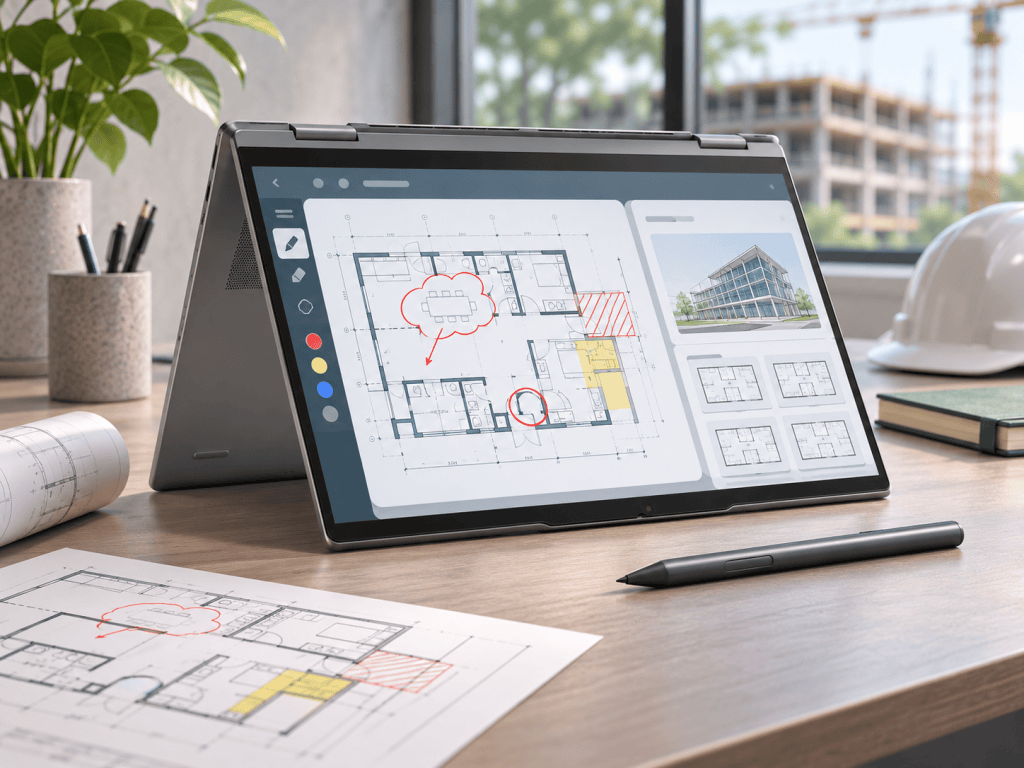
If you often have Excel, drawings, email and a video call open at the same time, this profile is for you. A little more memory can make your workday much more comfortable.
- RAM: 16 to 32 GB. If your current laptop slows down with several windows open, aim for 32 GB.
- Storage: 512 GB to 1 TB SSD.
- Graphics: integrated graphics are usually enough.
- Display: 15.6 inches helps when you view two documents side by side.
Lenovo Yoga 7i 2-in-1 16″
Intel Core Ultra 7 · 16 GB RAM · 1 TB internal SSD + 500 GB external storage · touchscreen · Wi-Fi 7 · Windows 11 Pro.
What makes this Yoga interesting is that you can switch from the keyboard to the touchscreen when reviewing or marking up a drawing. Its 16 GB is a starting point; if you handle many large files at once, look for 32 GB. For demanding 3D BIM, consider Profile C. Confirm the specs and included accessories with the seller.
Acer Swift 16 AI
Intel Core Ultra 7 · 32 GB RAM · 1 TB SSD · integrated Intel graphics · 16-inch WUXGA OLED touchscreen · Wi-Fi 7 · backlit keyboard · Thunderbolt · Windows 11.
If your day involves multiple plan sets, spreadsheets and meetings, this Acer gives you more room to work with 32 GB of RAM and a 1 TB SSD, without needing a dedicated graphics card for those tasks. Confirm the configuration and accessories with the seller.
Profile C: AutoCAD, Revit, and BIM
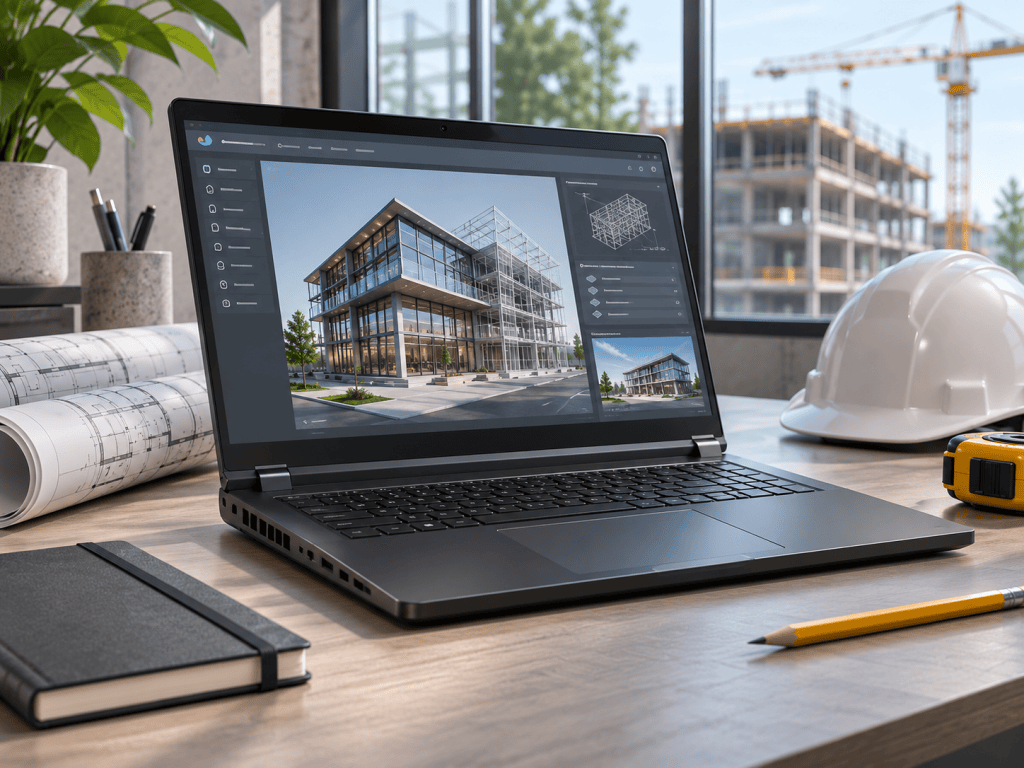
If your work involves design, BIM coordination or 3D visualization, this is where investing in a more powerful laptop can make sense.
- RAM: 32 GB or more, and more still if your models are large.
- Storage: 1 TB SSD or more, because models and temporary files take a lot of room.
- Graphics: this is where a dedicated card makes sense. If you only do light 2D drafting you may not need one; if you model in 3D, that is where you notice it most.
- Display: 15.6 to 17 inches, or a laptop you can connect to an external monitor.
ASUS ProArt P16 H7606WP (2025)
AMD Ryzen AI 9 HX 370 · dedicated NVIDIA GeForce RTX 5070 · 64 GB onboard LPDDR5X RAM · 2 TB PCIe SSD · 16-inch 4K OLED touchscreen · Windows 11 Pro.
A high-end option for people working with Revit, complex BIM models and 3D visualization. Since the memory is onboard, choose the amount you need from the start. Confirm the configuration, warranty and software requirements with the HIDevolution seller.
Another Profile C example: MSI Vector A16 HX
A gaming laptop for work? It can make sense if you need extra power for Revit, BIM or rendering. The MSI Vector A16 HX family includes options with an AMD Ryzen 9 8940HX and NVIDIA GeForce RTX 5070 Ti with 12 GB. That doesn’t mean everyone needs a gaming laptop.
One detail to check before buying: the seller (ASIN B0G48HHJF8) advertises 32 GB RAM, a 1 TB SSD and Windows 11 Pro under a different model name. Official US versions with that processor and graphics card list 16 GB and Windows 11 Home. We haven’t confirmed whether the seller modified the laptop. Check the exact model, memory, Windows license and warranty. Also consider weight, noise and battery life: this is not a certified workstation.
| Profile | RAM | Storage | Graphics |
|---|---|---|---|
| A: plans, PDFs, Office, cloud AI | 16 GB | 512 GB SSD | Integrated |
| B: heavy multitasking | 16 to 32 GB | 512 GB to 1 TB SSD | Integrated, most often |
| C: AutoCAD, Revit, BIM | 32 GB or more | 1 TB SSD or more | Dedicated recommended |
Side-by-Side Comparison of the Six Example Laptops
Specifications as listed by the sellers, shown without prices. Confirm every detail on the product page before you buy. Items marked as pending could not be verified against the maker’s official pages.
| Laptop | Processor | RAM | Storage | Graphics | Professional profile |
|---|---|---|---|---|---|
| Dell Inspiron 15 | Intel Core i7-1355U | 16 GB | 512 GB SSD | Integrated | A: plans, PDFs, Office |
| HP ProBook 440 G11 | Intel Core Ultra 5 125U | 16 GB | 512 GB SSD | Integrated | A: plans, PDFs, Office |
| Lenovo Yoga 7i 2-in-1 16″ | Intel Core Ultra 7 | 16 GB | 1 TB internal SSD + 500 GB external storage | Integrated | B: heavy multitasking |
| Acer Swift 16 AI | Intel Core Ultra 7 (exact model pending verification) | 32 GB | 1 TB SSD | Integrated Intel graphics | B: heavy multitasking |
| ASUS ProArt P16 H7606WP | AMD Ryzen AI 9 HX 370 | 64 GB | 2 TB SSD | NVIDIA GeForce RTX 5070 (8 GB) | C: AutoCAD, Revit, BIM |
| MSI Vector A16 HX (family; seller model pending) | AMD Ryzen 9 8940HX (per seller listing; confirm) | 32 GB per seller; 16 GB factory RAM in compared official variants | 1 TB SSD | NVIDIA GeForce RTX 5070 Ti (12 GB) | C: AutoCAD, Revit, BIM, rendering |
4. Other Features Worth Considering
- Screen size and brightness: if you work on site or near windows, a bright display helps. A larger screen is better for plans, but it weighs more.
- Ports: USB-C, HDMI, and, if you use docking stations or external monitors, Thunderbolt. Check that you have the ports your office setup uses.
- Connectivity: Wi-Fi 6E or Wi-Fi 7 helps when you download heavy plan sets from the cloud.
- Battery and durability: if you move between the office and the job site, battery life and a sturdy build matter more than a few extra gigabytes.
- Keyboard: if you type a lot, try it first. A numeric keypad is handy for estimates and spreadsheets.
- Touchscreen or 2-in-1: useful for marking up plans with a digital pen, though not essential.
Windows or macOS? Compatibility for Construction Software
Many construction programs are built first for Windows, so the operating system can matter more than the brand of the laptop. This is what the makers publish:
- Revit 2027: listed for 64-bit Windows 11. Autodesk describes running it on a Mac through Parallels Desktop as an option at your own risk, notes that accelerated graphics are not supported in that setup, and says a product may be virtualized only where its license terms expressly allow it.
- Bluebeam Revu 21: its requirements page lists Windows 11 and Windows 10 (64-bit) and does not list macOS. Bluebeam states that Revu is not supported on Mac, and describes two ways to work on one: Bluebeam on the web, or running Revu in Windows 11 through Parallels.
- AutoCAD 2027: available for Windows and for Mac, with separate requirements for each. Autodesk offers its specialized toolsets, such as Architecture, MEP, and Electrical, with AutoCAD for Windows.
If your daily tools include Revit or the Bluebeam Revu desktop app, a Windows laptop is the most direct path. If you prefer a Mac, check whether AutoCAD for Mac or Bluebeam on the web covers your daily work. If you plan to use Parallels, check the requirements and limitations of each desktop app before buying, and confirm that your license terms allow virtualization. Ask the software maker and your IT department before you decide.
5. Do You Need Special Hardware for AI?
If you use ChatGPT or Claude to draft emails, organize ideas or help with documents in your browser, you don’t need to buy a special AI laptop. Those tools do the processing on the provider’s servers.
Running AI directly on your laptop is a different story. For Copilot+ PCs, Microsoft requires an AI processing unit (NPU) capable of at least 40 TOPS, 16 GB of DDR5 or LPDDR5 RAM, 256 GB of SSD or UFS storage, and a supported processor (AMD Ryzen AI 300 or 400 series, Intel Core Ultra 200V or 300V series, or Snapdragon X). For most construction tasks, this is a bonus, not a necessity.
“AI Ready” is not the same as Copilot+ PC. You’ll see these labels when shopping for a laptop. The former is a marketing term; Copilot+ has specific Microsoft requirements. Even a 40 TOPS NPU doesn’t guarantee that all requirements are met. ASUS markets the ProArt P16 as a Copilot+ PC, but always check the product details rather than relying on the label.
6. What to Avoid When Buying
- 8 GB of RAM as a starting point: it can open individual programs, but it falls short with several apps and large files.
- Windows 10 devices: Microsoft ended support on October 14, 2025, and several current apps already require Windows 11.
- Small storage: plans, models, and downloads pile up fast.
- Soldered RAM with no upgrade path: if the model cannot be upgraded, buy the amount you need from the start.
- Skipping the requirements check: look at the official page for your software, because it changes with each version.
7. Final Checklist Before You Buy
- I checked the official requirements for every program I use.
- I know whether I work in 2D or 3D, and whether I need a dedicated graphics card.
- The RAM is enough for my heaviest files, not just my lightest ones.
- The SSD has room for plans, models, and temporary files.
- It comes with Windows 11 and the ports I use in the office and on site.
- I know whether the RAM and storage can be upgraded later.
Frequently Asked Questions
Is 16 GB of RAM enough for construction work?
For PDF plans, Bluebeam, Office, and email, yes. Bluebeam Revu 21 lists 8 GB as its minimum and Microsoft 365 lists 4 GB. For Revit 2027, Autodesk lists 16 GB only for models of about 300 MB, and 32 GB or more for larger ones. For AutoCAD 2027, Autodesk recommends 32 GB.
Do I need a dedicated graphics card for AutoCAD or Revit?
Autodesk lists a 2 GB GPU as the basic AutoCAD 2027 requirement and an 8 GB GPU as the recommended one. For large 3D models and point clouds it lists 12 GB of video memory or more. For Revit 2027 it lists 4, 6, or 8 GB of video memory depending on the tier. If you only do light 2D drafting, an integrated GPU may be enough, but confirm with Autodesk before you buy.
What does Revit 2027 need?
Autodesk publishes three tiers for 64-bit Windows 11: 16 GB of RAM and 4 GB of video memory for models up to about 300 MB, 32 GB or more and 6 GB for about 600 MB, and 64 GB or more and 8 GB for about 1 GB. It also lists about 30 GB to install and 100 GB free for temporary files.
Can I use a gaming laptop for AutoCAD, Revit, or rendering?
Many gaming laptops combine a powerful processor, a dedicated graphics card with plenty of video memory, and strong cooling, which are the traits these programs use. The trade-offs are weight, fan noise, and battery life. Check your software’s requirements and your company’s IT policy first.
Can I use a MacBook for construction work?
It depends on your software. AutoCAD has a version for Mac with its own requirements. Revit 2027 is listed for Windows 11, and Autodesk describes running it on a Mac through Parallels Desktop at your own risk, without accelerated graphics. Bluebeam Revu 21 lists only Windows. If your daily tools are Windows-only, a Windows laptop is the simpler path.
Do I need an “AI laptop” to use ChatGPT or Claude?
No. Cloud assistants run on the provider’s servers, so any modern laptop with a browser and a good connection works. Special hardware matters only if you want to run AI features locally, such as those of Copilot+ PCs.
Can I still buy a laptop with Windows 10?
It is not recommended. Microsoft ended support for Windows 10 on October 14, 2025, which means no more technical assistance, feature updates, or security updates. Revit 2027 also lists Windows 11 as its operating system.
Official Sources
- Autodesk: Revit 2027 system requirements
- Autodesk: AutoCAD 2027 system requirements
- Bluebeam: Revu 21 system requirements
- Microsoft: Microsoft 365 system requirements
- Microsoft: Windows 11 and Copilot+ PC specifications
- Microsoft: Windows 10 support ended on October 14, 2025
- ASUS: ProArt P16 (H7606) specifications
- MSI: official Vector A16 HX specifications (US)
Disclaimer: this article is for informational and educational purposes. Software requirements change with every release, so always confirm on the maker’s official page before you buy. The profile configurations are general NextPermit guidance and do not replace the advice of your software vendor or your company’s IT department. Laptops shown in this guide are examples of a profile, not endorsements of a specific brand or model. Any purchase decision is yours. NextPermit and Permit To Cozy do not sell hardware and are not responsible for purchases made based on this guide.
You May Also Like
- How to Track Construction Permits Without Spreadsheets (Free Tool Included)
- The Spreadsheet I Use to Track Fire Alarm & BDA Permits, and How It Keeps Me Sane
- How to Prepare a Construction Pay Application (Pay App): Step-by-Step Guide
- How to Schedule and Pass Your Construction Inspections in Florida: A Step-by-Step Guide

